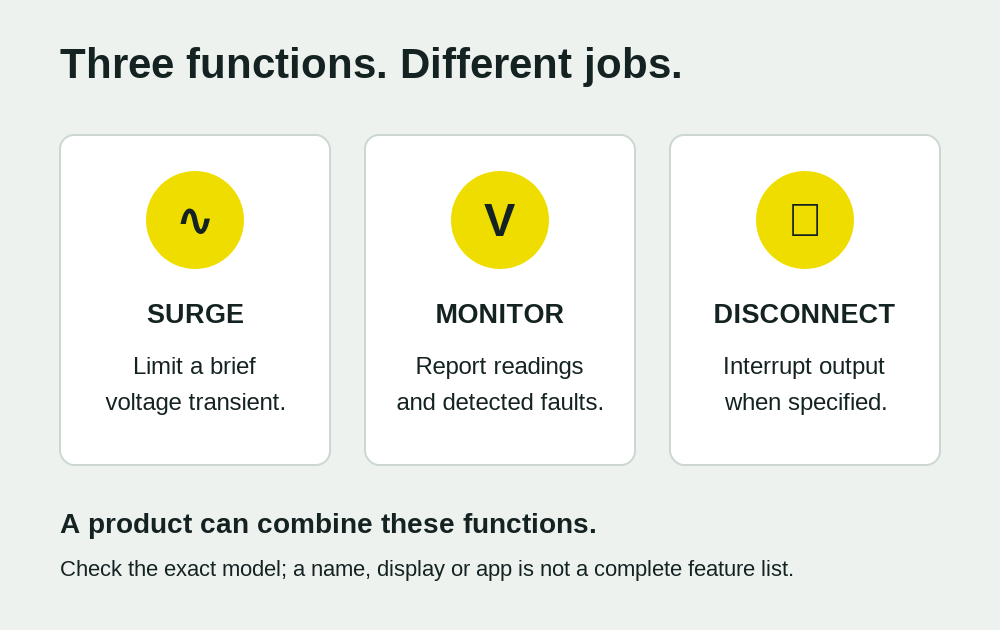
Look for the action the device can take.
Surge suppression addresses brief voltage transients. Monitoring reports information. Automatic disconnection interrupts power under documented conditions. A product can combine these functions, but a light, display or app does not establish that every function is present.
“EMS” often means electrical management system in RV power protection. Use the exact model’s manual to confirm its capabilities, fault responses and service rating.
Start with three separate functions.
The useful question is what happens when the supply changes. Will the unit limit a transient, report a condition, interrupt output, or combine those actions?
A warning is information.
A wiring indication tells you to investigate a condition. Confirm whether the device also prevents or interrupts power for that condition.
A shutoff is an action.
Automatic protection uses documented rules to control output. Those rules include the conditions covered and the requirements for restoring power.
Southwire’s Basic and Full Protection descriptions provide a concrete example of this distinction. Progressive Industries also lists surge-protection and EMS product families separately. These manufacturer labels help locate the right documentation; the exact model’s instructions settle the details. [2][3]
Compare the response, not just the headline rating.
Use this checklist alongside a product manual. It avoids a common shopping mistake: treating an attractive display or one large specification as a complete protection description.
| Function to compare | What to look for | Question to answer |
|---|---|---|
| Transient suppression | Documented surge-protection specification and service guidance. | What indicates that the surge component needs service or replacement? |
| Fault information | Listed wiring conditions and a clear meaning for each indicator or code. | Does it report only, refuse initial connection, or disconnect during use? |
| Voltage-related shutoff | Explicit low/high-voltage response, where provided. | Are the trigger, timing and return-to-service conditions documented? |
| Restart delay | Recovery behaviour described for the model. | How does it relate to the A/C manufacturer’s restart instructions? |
| Display or app | Actual readings, alerts and any connectivity requirements. | What can you read locally if your phone or connection is unavailable? |
| Service and installation | RV service rating, operating conditions and permitted mounting/use. | Is the device suitable for this RV and this installation? |
On a small screen, swipe the table sideways to compare the columns.
Read “detects,” “indicates” and “disconnects” as different claims. If the manual is unclear about a response that matters to you, ask the manufacturer before buying. Keep its answer with the exact model number.
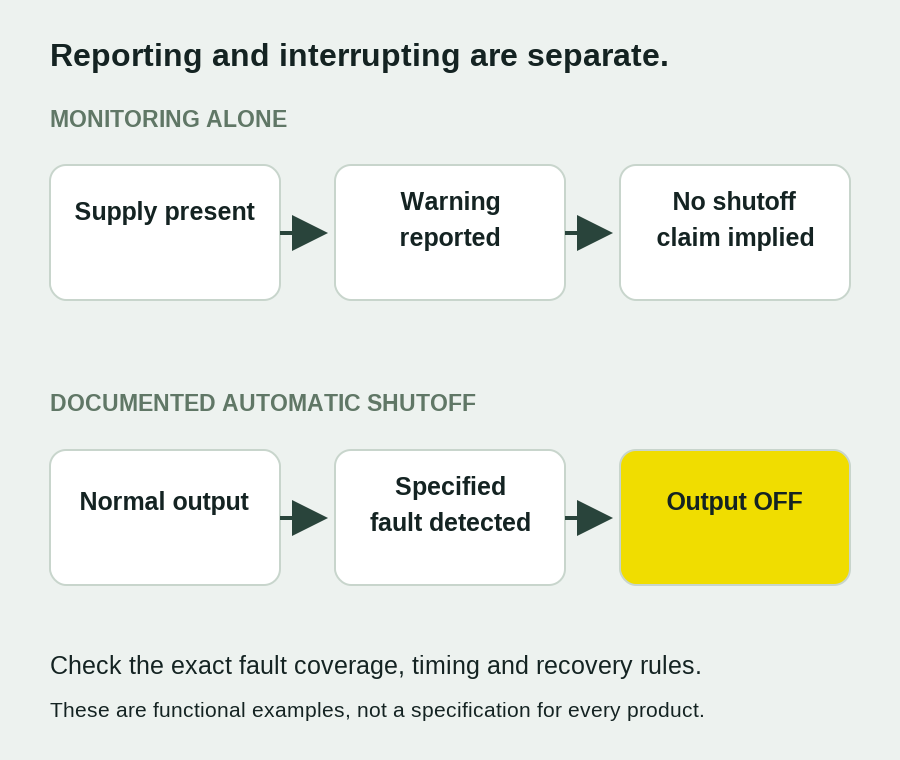
A displayed warning is evidence of the condition that was reported. Look for a documented output response as a separate part of the specification.
Related guideLow voltage at the campground? Start here. →Check what the RV already has.
Before adding equipment, identify what is already installed. An inverter/charger, automatic transfer switch, power monitor and load-management system are different components; their names do not establish identical protection capabilities.
The Winnebago reference describes the authors’ modified motorhome, with additional power equipment behind their portable surge device. That is useful context for their choice, but it is not the electrical specification for every Winnebago—or for your RV. [1]
Find the RV year/model and the manuals for fitted equipment, including later upgrades. List which functions are explicitly documented, then identify what you still want a new device to do. If several devices control the incoming supply, confirm their compatibility and intended arrangement with their manufacturers or an RV electrical professional.
A shared acronym can hide different jobs.Some RV systems manage available load, while power-protection products may use EMS for fault monitoring and disconnection. Compare the described behaviour, not the acronym alone.
Take these questions to the product manual.
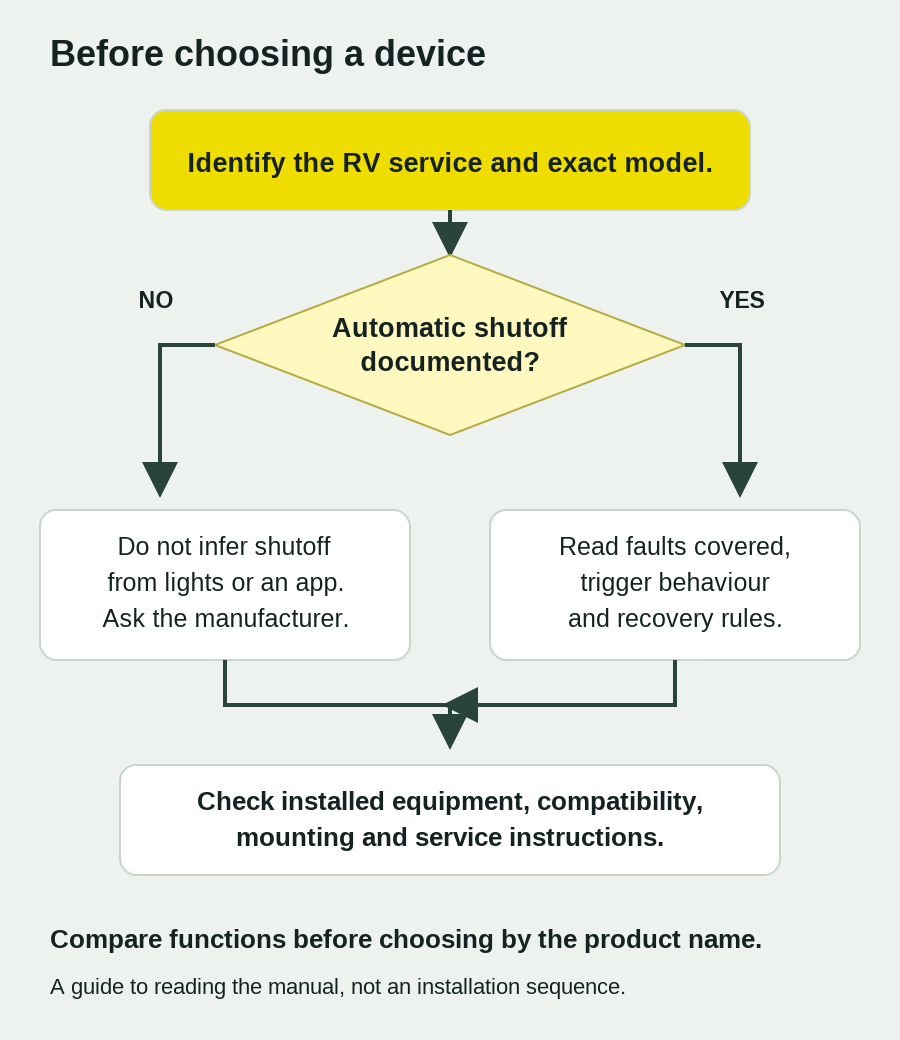
- Does it match the RV’s service?Identify your RV’s service and the exact product version. An adapter does not increase the vehicle’s electrical capacity. See our 30A appliance-budget guide for load planning.
- Which faults change the output state?Make a short list of required responses. Confirm each one in the manual rather than assuming that “surge protector” or “EMS” includes it.
- What happens after a warning or outage?Read the recovery and delay behaviour. A supply that repeatedly disconnects still needs its cause understood; bypassing protection is not a remedy.
- Can it be used and maintained as intended?Check permitted use, weather exposure, mounting and service requirements. Arrange professional installation for a hardwired device. [4]
A larger joule figure describes an aspect of transient protection; it does not establish low-voltage shutoff, charger compatibility or protection against every electrical fault. Likewise, a voltage-booster function is separate and must be specified for that model. [2][5]
Build a function list.
Then choose the device.
Match the service, document the responses and understand recovery. Those answers are more useful than choosing by the product name alone.
Sources and photo credits.
- 1. Winnebago GoLife — Do You Really Need an RV Surge Protector?. Kenny & Sabrina Phillips, May 2025. Selected editorial reference; the authors’ modified system is an individual example.
- 2. Southwire — Recreational Power. Current manufacturer descriptions distinguish Basic circuit analysis/surge protection from Full Protection automatic shutoff.
- 3. Progressive Industries / Navico — Products. Manufacturer product-family descriptions for portable surge protection, EMS and hardwired systems.
- 4. Progressive Industries / Navico — Resources. Manufacturer operating/maintenance boundaries and recommendation for professional hardwired installation. Consult the specific manual.
- 5. Power Watchdog — Voltage Boosters. An example of a separately documented boosting function; no model capability is inferred from another product’s name.
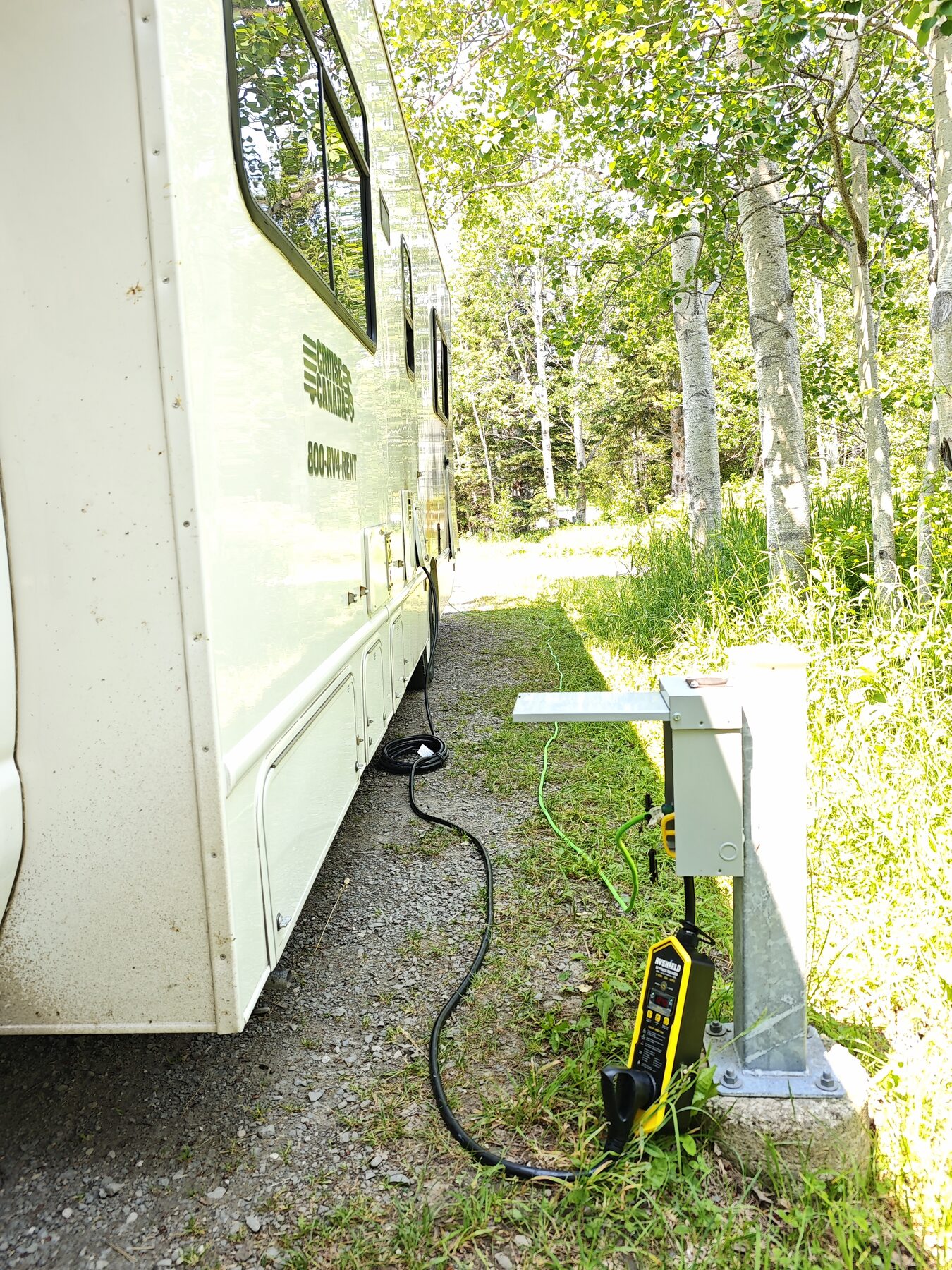
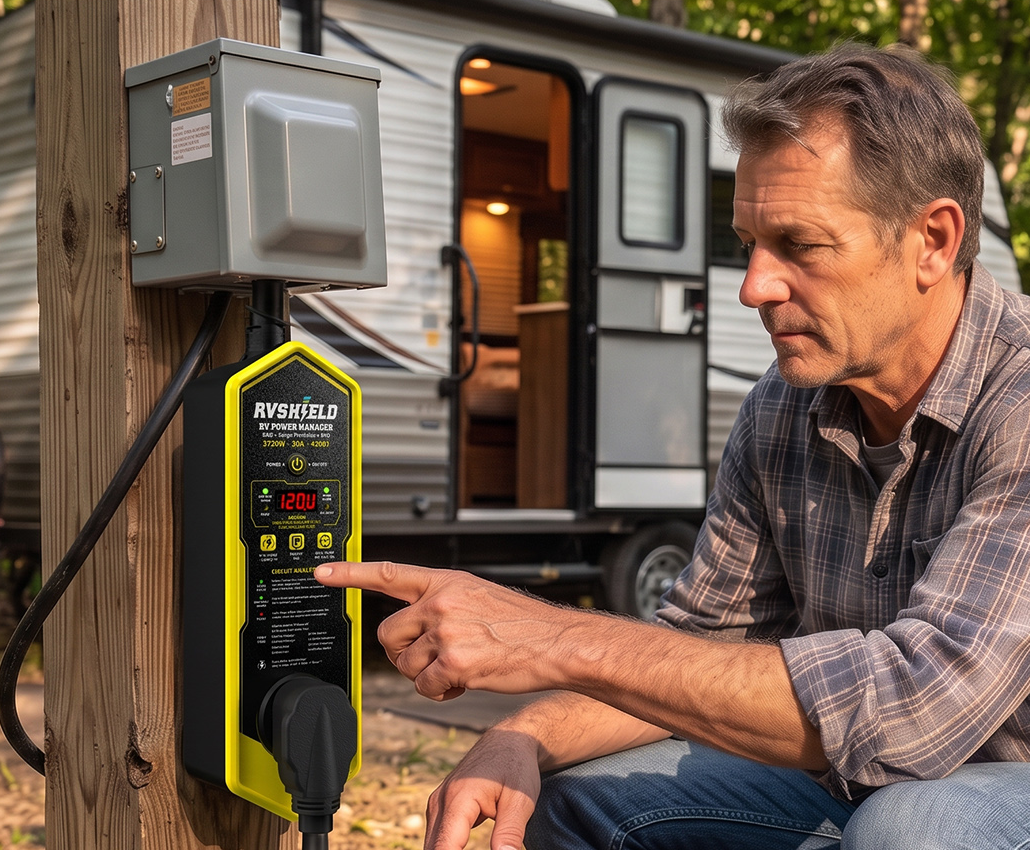
Opening scene: user-supplied RVShield artwork, cropped to the central product and campsite scene. It is an illustration, not a recorded field measurement. The functional comparison and selection-flow SVGs were created for this article.
This is a feature-reading guide, not a product ranking, installation procedure or universal specification.