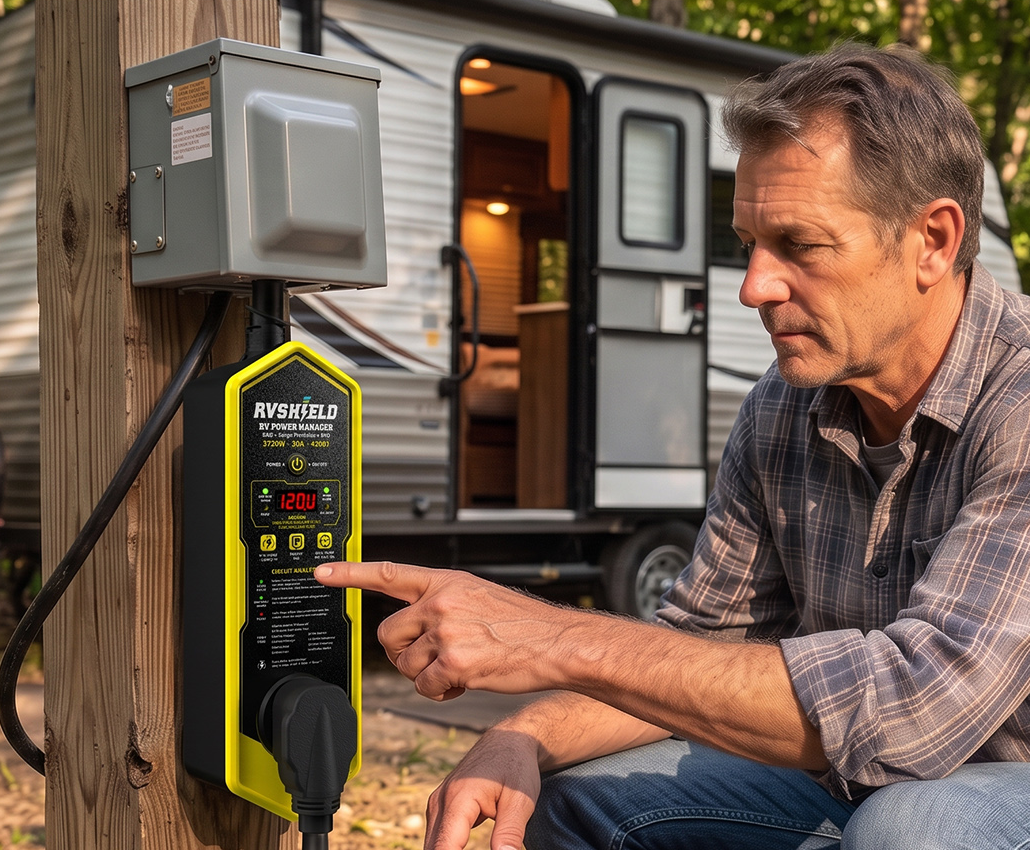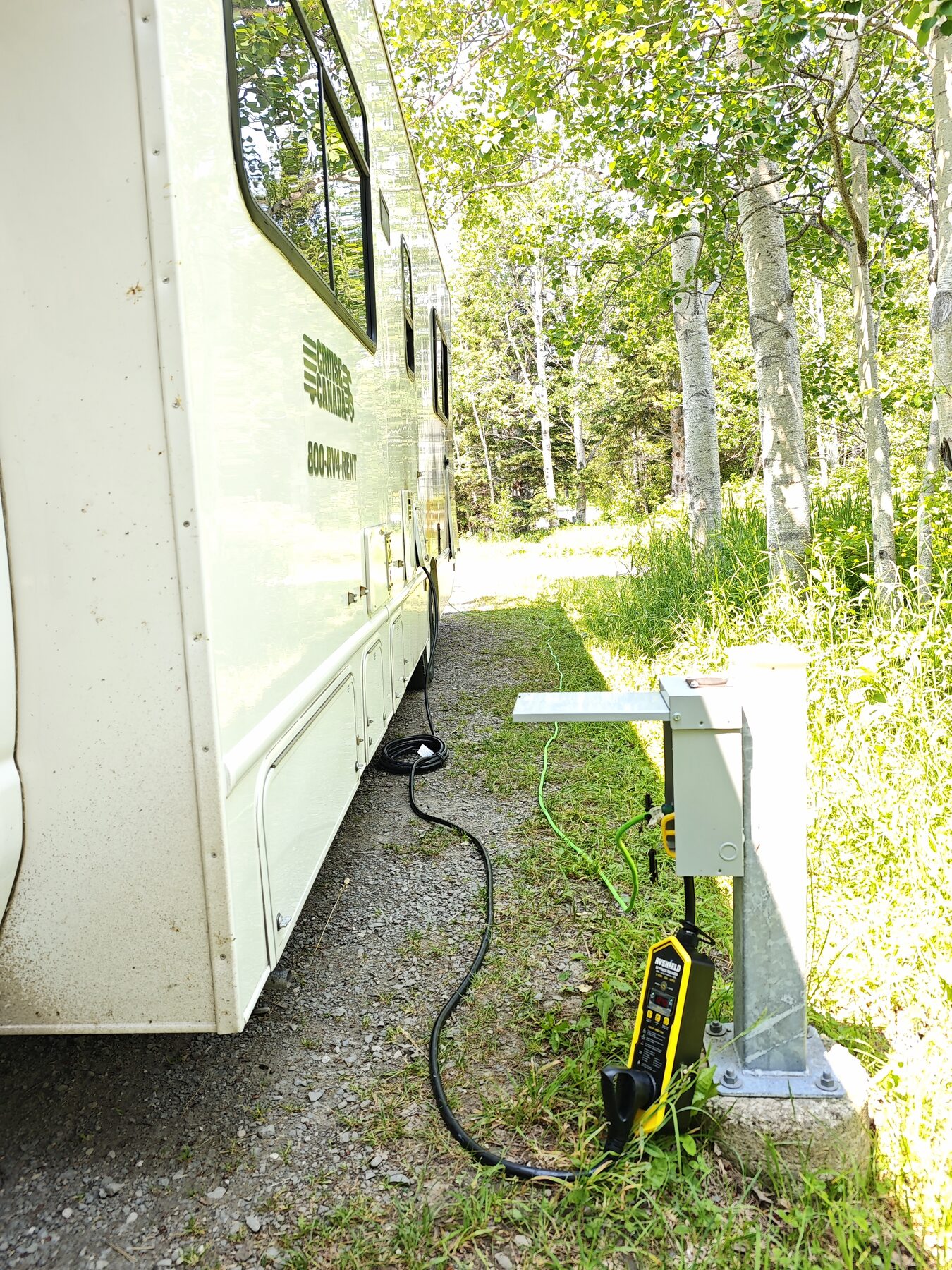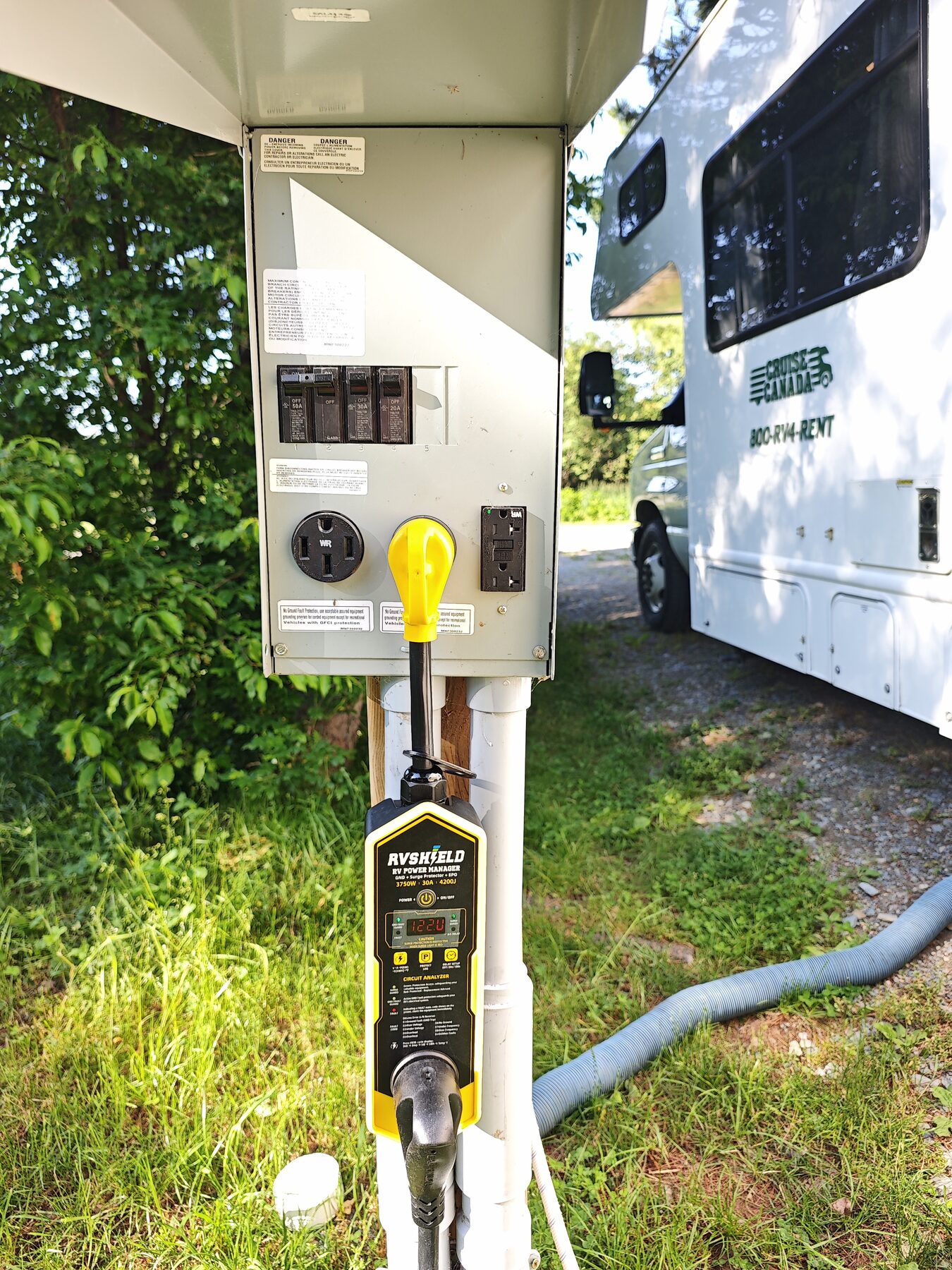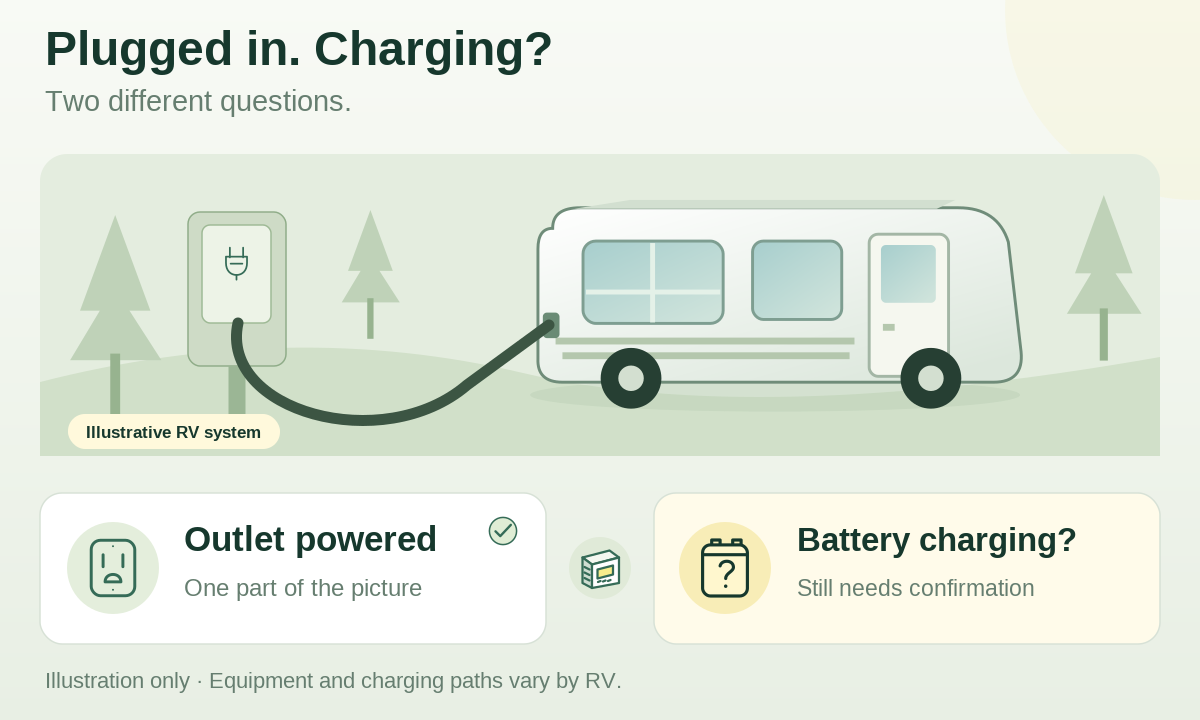
A working outlet does not confirm battery charging.
An AC receptacle and the house-battery charging path are different parts of the RV’s electrical system. The charger needs a suitable supply, the right operating state and a permitted path to a compatible battery.
Start with the installed equipment and its normal controls. Working lights or outlets alone cannot identify a failed charger, a disconnected battery or a charging restriction. [1][2]
Follow the two paths from shore power.
The diagram below separates an AC outlet branch from the branch supplying a converter or charger. A powered outlet answers a question about that outlet’s circuit. It does not establish that the charger is operating or that charge is reaching the house battery.
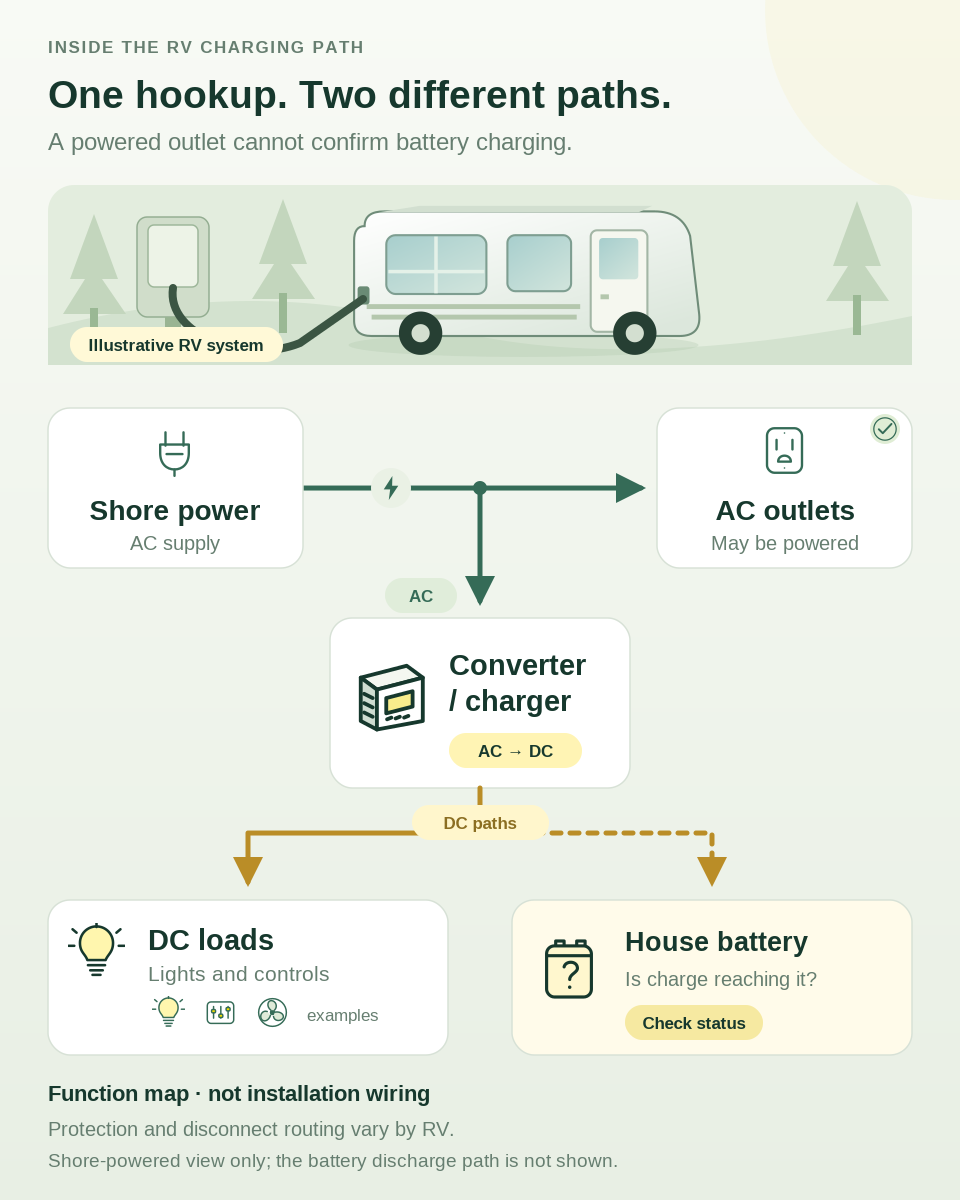
With a converter supporting DC loads, a working light is not conclusive either. WFCO documents converter operation without a battery for its supported equipment. That makes “the lights work” a useful observation, not proof of battery charging. [1]
This drawing shows functions, not installation wiring.Fuses, disconnects and routing differ between RVs. Some systems use an inverter/charger instead of a separate converter. The drawing does not show terminal connections, all power sources or the battery’s discharge path.
Throughout this guide, “house battery” means the battery supplying living-area systems. An engine-starting or chassis-battery problem is a different question. Whether shore power also maintains that battery depends on the installed equipment. [4]
Identify the equipment before interpreting the symptom.
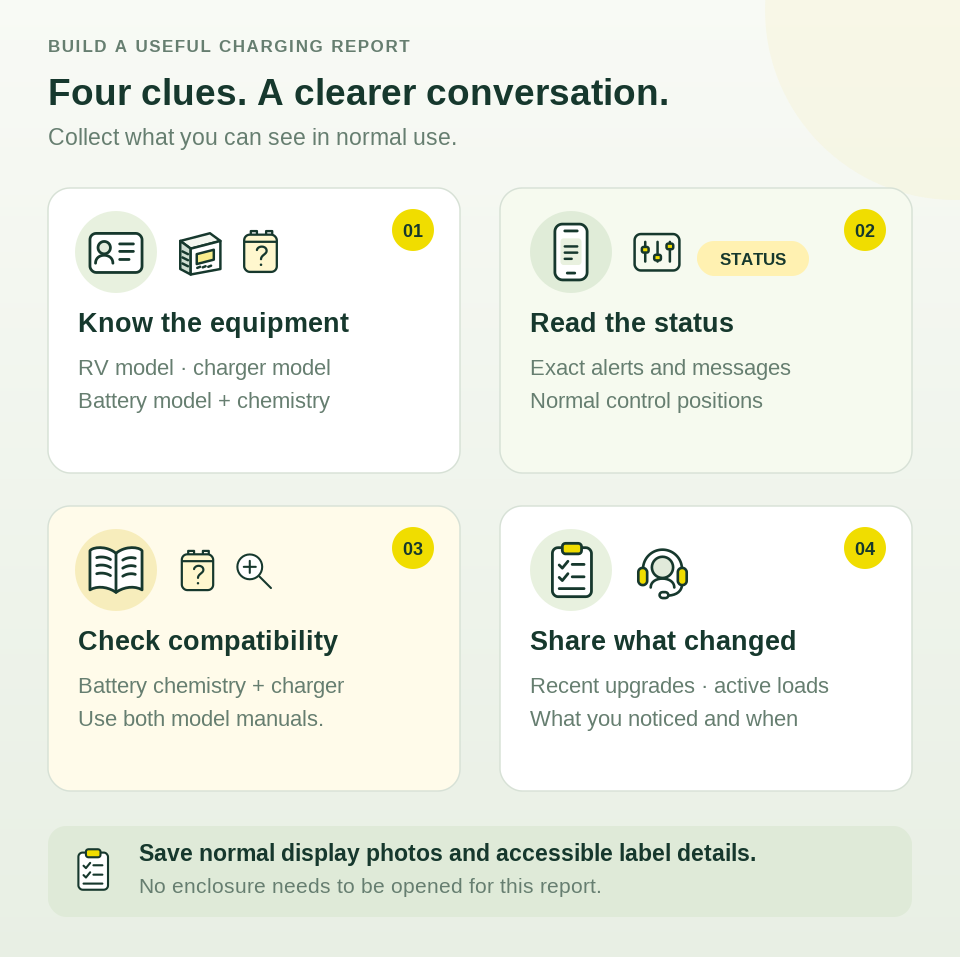
Collect information from the owner’s documents, normal control screens and labels that are accessible without removing covers. It gives support a starting point and prevents advice for one system being applied to another.
| Identify | Why it helps |
|---|---|
| RV year and model | Locates the relevant owner’s manual and the original electrical arrangement. |
| House-battery model and chemistry | Distinguishes lead-acid/AGM and lithium requirements, including any battery-management system. |
| Converter or inverter/charger model | Locates its operating controls, supported battery types and status indicators. |
| Normal monitor messages | Preserves a charger mode, battery alert or other detail that may later disappear. |
| Recent changes | Battery replacement, charger settings, storage mode or added equipment may change the question. |
Also describe the observation accurately. Is a battery monitor showing discharge? Is the reported state of charge declining? Is there a charging-disabled message? “Not charging” is a useful headline, but those details are more informative than the headline alone.
Related guideLow voltage at the campground? Start here. →Read the normal controls—and your own manual.
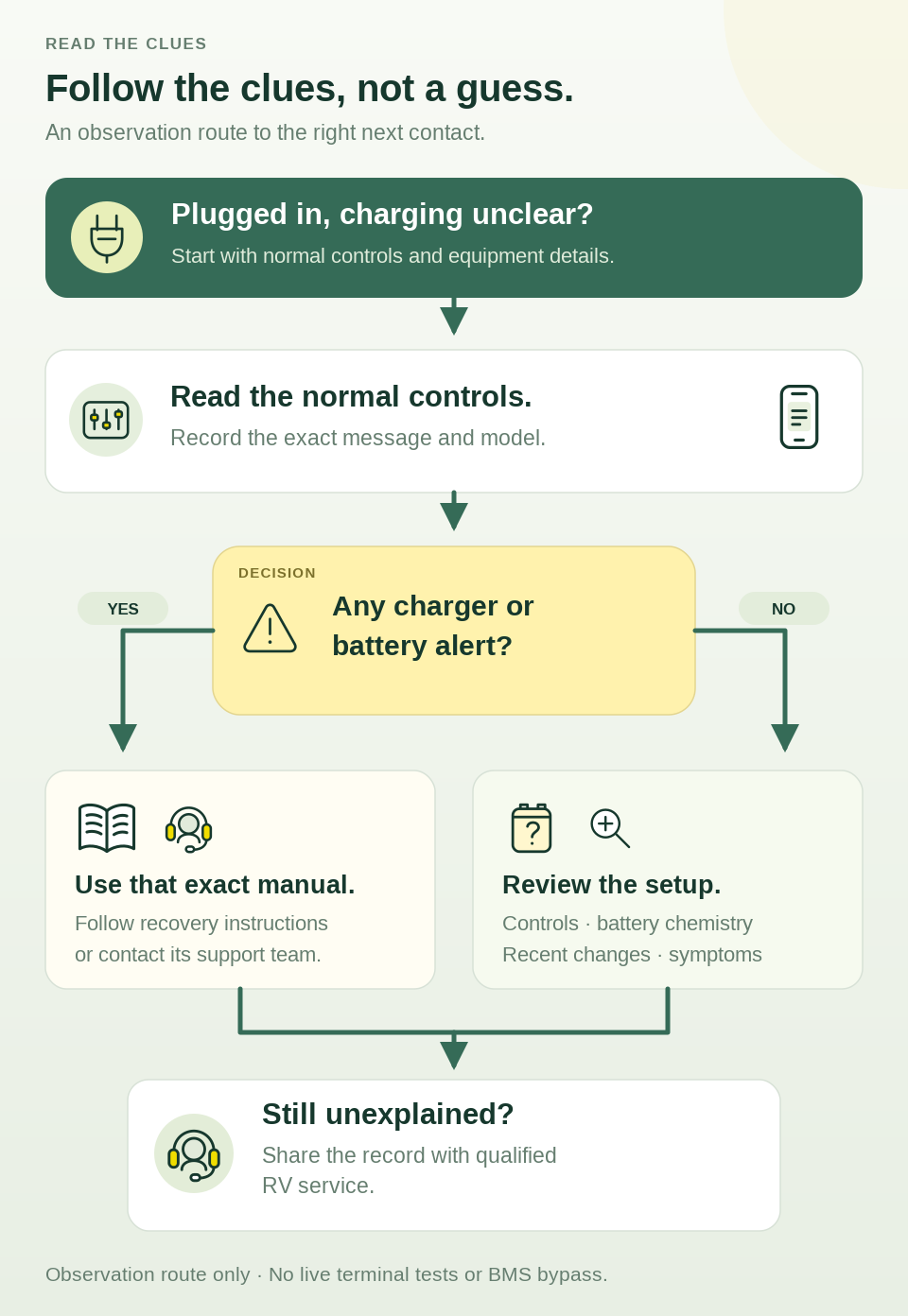
Check the documented operating state of the charger and battery-disconnect system using the normal user controls. Do not assume that every RV’s switch must be in the same position.
Airstream’s support example makes that variation clear: it describes manual disconnect models that need ON for shore-power charging, and electronic designs that can charge in either position. Use your own year/model manual and account for modifications. [3]
The charger supply and battery connection are separate questions. A branch breaker, DC protection or a disconnect arrangement can be part of a technician’s investigation; the WFCO manual identifies model-specific protection and a possible RV-installed inline battery fuse. Their exact locations and service procedures are not universal. [2]
What you can record
Normal switch labels, screen messages, which loads work and what changed before the symptom appeared.
What needs the right procedure
Opening equipment, removing cables, probing terminals or replacing protection devices. Use qualified service and the applicable manuals.
If a breaker or protection device repeatedly opens, record which device it is instead of repeatedly resetting it. Our breaker-tripping guide helps name that part of the problem.
Check compatibility and battery messages.
A replacement battery can change the charging requirements. Confirm that the fitted charger supports the exact battery chemistry and that its operating profile is appropriate. Some WFCO Auto-Detect models use charging behaviour to select a profile; their capabilities and indicators are model-specific. [2]
For a battery with a management system, read its own alerts and manual. A BMS may restrict charging in some conditions, while other protection modes can block discharge but still allow charge. There is no universal BMS reset, temperature cutoff or “wake-up” sequence to apply to every battery. [5]
A single number is not a diagnosis.A monitor percentage, a voltage reading or a fixed amount of time on shore power cannot, by itself, prove that a battery or charger has failed. Report how the indication was obtained and what the equipment says about it.
If a battery app reports a protective condition, follow that battery manufacturer’s recovery instructions or contact its support team. Do not bypass the BMS or improvise an external charging method.
Bring a useful report to support.
| Observation | A useful question to take to support |
|---|---|
| Outlets work; battery indication falls | Is the charger operating, and what do the battery monitor and charger status actually indicate? |
| Lights work; battery seems disconnected | Could the converter be supporting DC loads while the battery path is interrupted? |
| Charger or battery shows a warning | What does that exact model’s manual require for this message? |
| The problem followed an upgrade | Are the battery, charger profile, controls and installation compatible? |
Include the RV, charger and battery model details; the exact warning; which loads still operate; recent changes; and what the normal controls show. This narrows the next inspection without guessing at a failed part.
If equipment is hot, damaged or giving off an unusual odourStop using the affected equipment and seek qualified assistance. This article is a first-observation guide, not a live electrical troubleshooting procedure.
Follow the path.
Keep the evidence.
A powered outlet starts the story. The charging equipment, its controls and the battery path explain the next part. Collect those details before replacing parts or making settings changes.
Sources and diagram scope.
- 1. WFCO Technologies — Frequently Asked Questions. Relevant questions include why batteries are not charging and whether a converter needs a battery to operate. No disconnected-terminal test procedure or generic voltage threshold is reproduced.
- 2. WFCO — WF-9800-AD Series manual, Rev 7/24. Model-specific converter operation, protection, battery charging and Auto-Detect behaviour. This manual does not describe every RV or every WFCO series.
- 3. Airstream — What is the battery disconnect switch function?. Manual/electronic switch examples establish that charging behaviour varies by design; they are not a universal switch-position instruction.
- 4. Winnebago GoLife — Understanding Power Sources in a Camper Van. Used for house/chassis battery terminology and system variation, not a service procedure or runtime promise.
- 5. Battle Born — BB10012 / BB10012H battery manual. Examples of BMS behaviour illustrate why charging/discharging restrictions and permitted recovery depend on the exact battery. No cutoff values or reset steps are generalized.
The SVG illustrations were created for this article. They explain functions and observation checkpoints; they are not installation diagrams, measured results or depictions of a particular RV’s wiring.
No claim is made that an RV power-protection device charges a battery, repairs a converter or diagnoses this symptom.