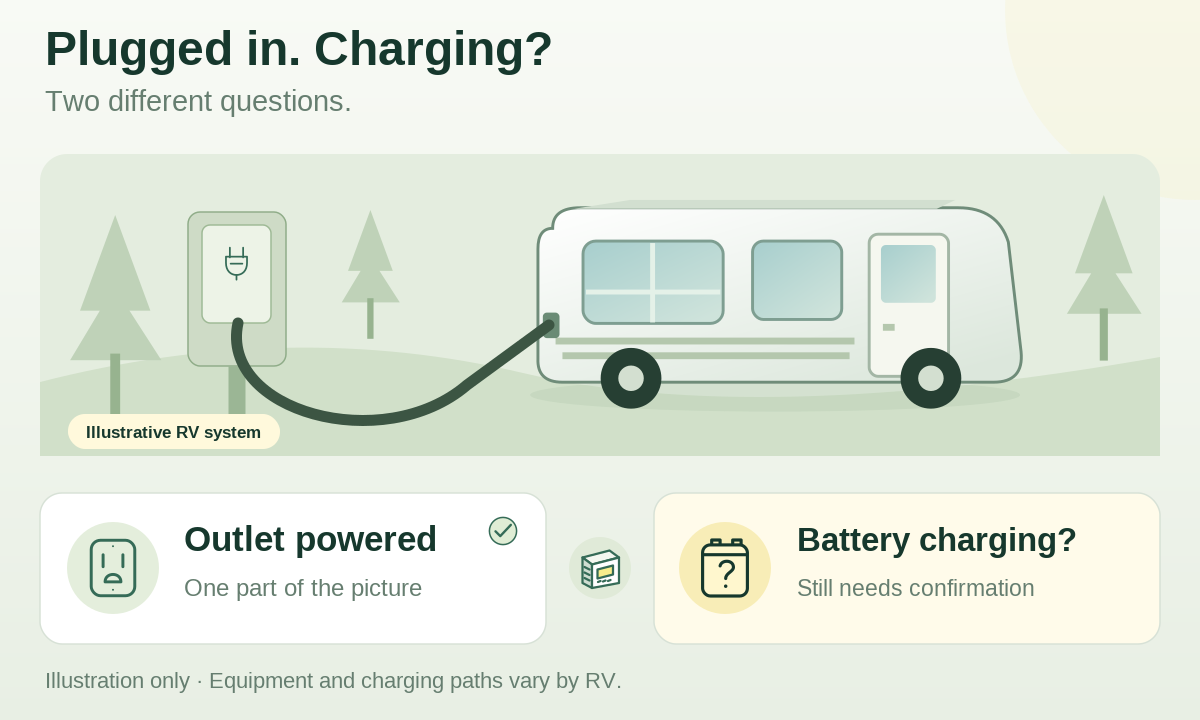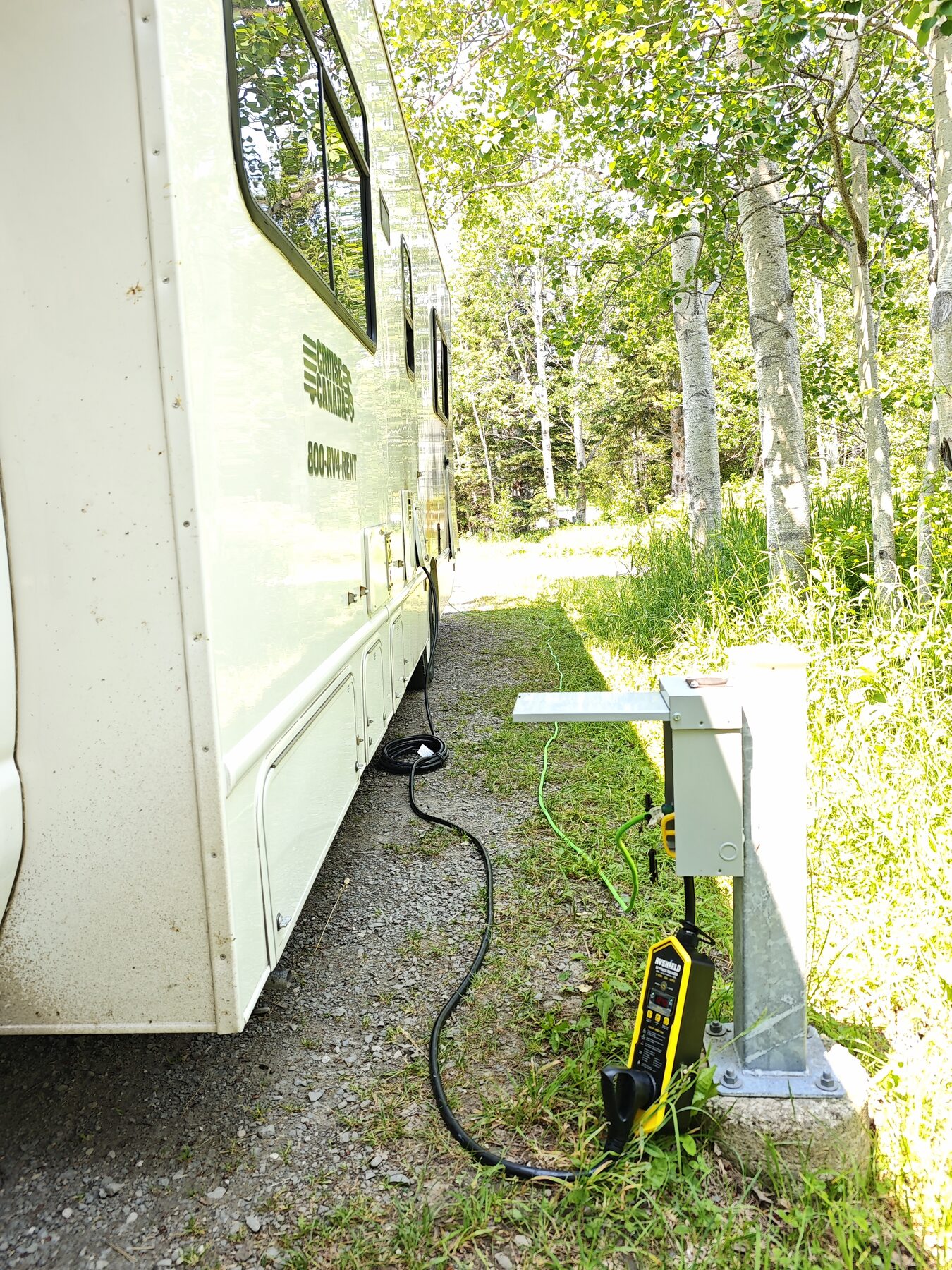
Start with the service your RV is designed to use, an undamaged connection, and the instructions for your equipment. A reading or indicator is useful information; it is not a substitute for the correct hookup or a reason to ignore a fault.
First, understand the connection.
Shore power is the campground's AC electrical supply. Your RV's service rating and the available hookup need to be considered together. Airstream describes 30A RV service as 120V, or approximately 3,600W; that is a capacity illustration, not a promise that any particular combination of appliances will run together. [1]
An adapter does not turn a 30A RV into a 50A RV. Use only an arrangement allowed by your vehicle and equipment instructions, and manage the loads it can supply. [2]
Six checks to bring to the campsite.
Know your service.
Identify your RV's shore-power rating and the service offered at the site. If the connection or required adapter is unfamiliar, check the manuals or ask for qualified help before connecting. [3]
Follow the connection instructions.
Use the shutdown, connection, and power-up sequence specified for your RV, cordset, and any protection device. Keep those instructions available at the campsite. This overview does not replace the equipment's operating procedure.
Look at the hardware.
Before use, look for visible damage, moisture, corrosion, discoloration, or signs of overheating. SmartPlug calls for clean, dry, undamaged connections and says to stop using a damaged or overheating product. Have a questionable pedestal checked by the campground rather than attempting a repair. [4]
Read the device you actually have.
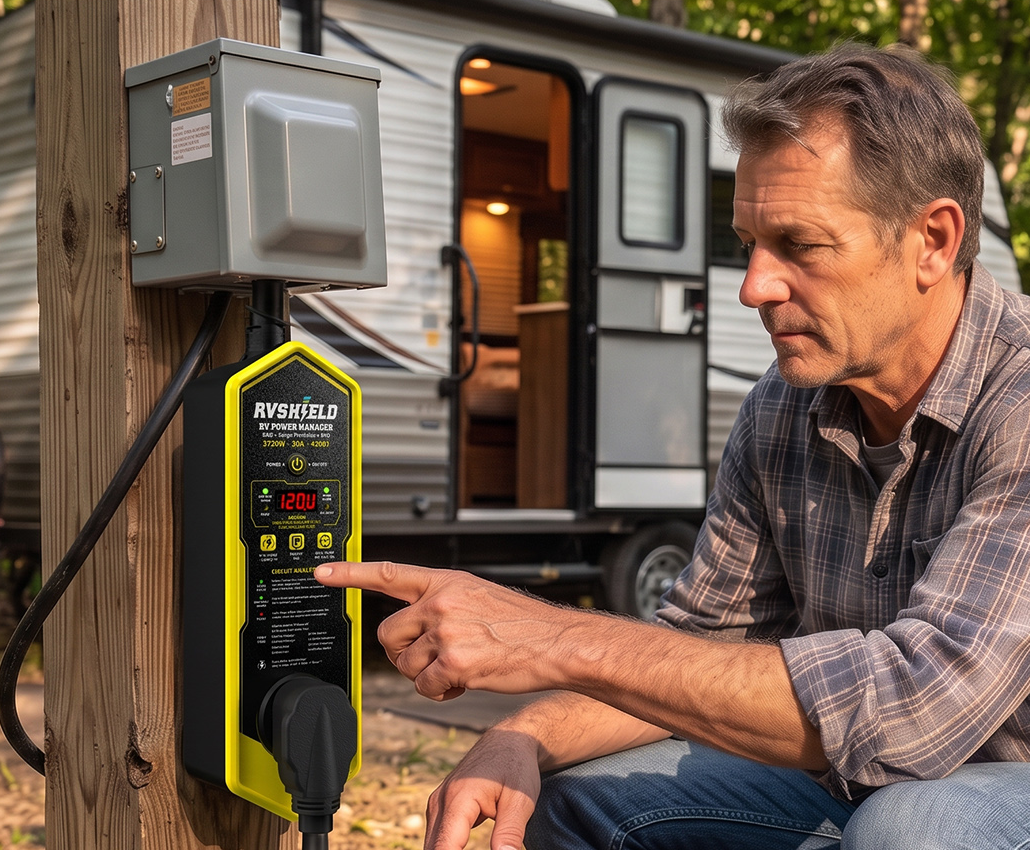
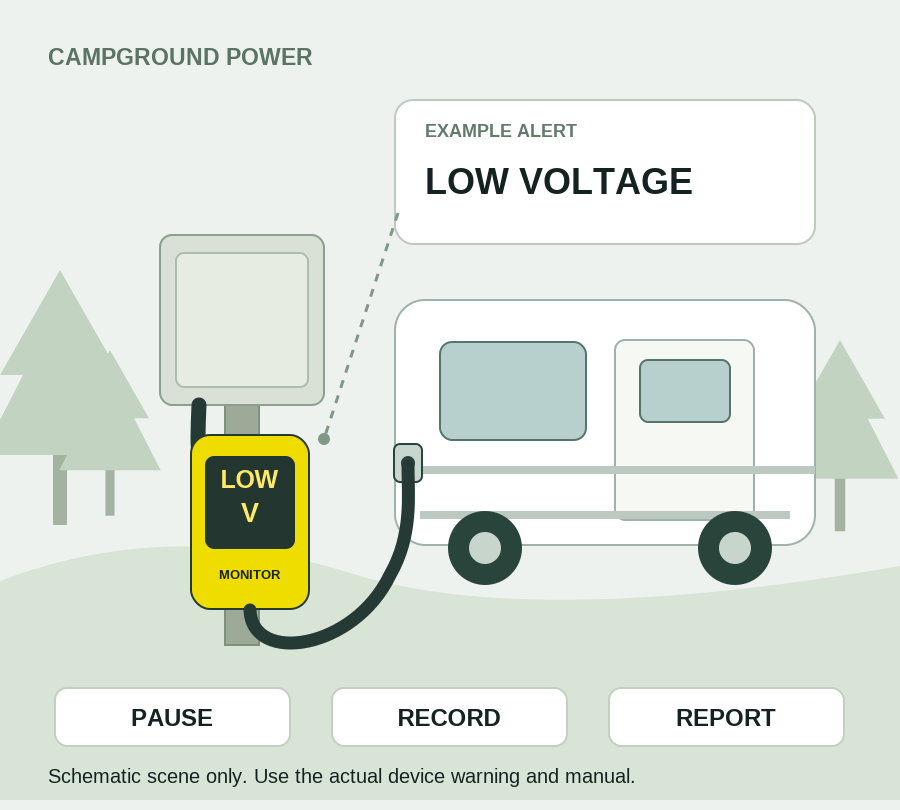
If your equipment displays a reading, status, or code, use its own manual to interpret it. Record what it says. Do not substitute a code table or threshold from a different brand or model.
Plan the load.
Consider the equipment you intend to run at the same time, especially when using a lower-capacity service or an adapter. Airstream's examples show why load management matters; its vehicle-specific appliance examples are not universal limits for every RV. [3]
Allow the equipment's restart delay.
For air conditioning, follow the restart requirements in the A/C or controller manual. A delay setting on another device does not establish what your compressor requires. See the A/C delay explainer for the distinction.
Keep readings and limits in context.
Voltage, frequency, current, and a displayed fault code can help describe a problem. Record them together with the site number, which device changed state, and the loads that were running. Those observations are more useful than simply reporting that the power went off.
Use the reference for your device. A fault code or cutoff value belongs to the equipment model that defines it. RVShield owners can use the RVShield reference alongside their own unit's manual.
When a check becomes a service issue.
If a breaker repeatedly opens, first identify whether it is on the campground pedestal or inside the RV. Airstream notes that persistent tripping can involve excessive load or a short, and calls for service when reducing the load does not resolve the issue. That does not diagnose a specific vehicle. [1]
For a questionable campground outlet, start with the campground office. For a recurring issue inside the RV, arrange an appropriate service inspection. Bring the readings, the device identity, and a photo if it can be obtained safely.
Use our breaker-tripping guide to distinguish the device that interrupted power and organize the information to report.
Sources and scope.
This introduction covers campground-power basics and the observations that help you ask the right question. Use the current manuals for your equipment's connection procedure, operating limits, and fault codes.
- Airstream: Explaining Shore Power. Supports the 30A capacity example, distinguishing campground and RV breakers, and the need for service when reducing load does not resolve repeated trips.
- Airstream: 30A and 50A electrical systems. Supports the distinction between a supply adapter and the RV's own capacity.
- Airstream Power 101. Supports selecting suitable service and managing loads when using adapters; its vehicle examples remain model-specific.
- SmartPlug: Safety FAQs. Supports checking connector condition and stopping use when damage or overheating is present. It does not establish RVShield product performance.
Something unclear? Tell us what needs clarification.